DX Selection Software Demo: Split and Packaged Unit Selection
1:17Published 23 Sept 2026 CaptionsSynthetic narration
A narrated walkthrough of MileSoft's DX selection software: project details, unit criteria set from the conditions the unit will run in, every model that fits with its capacities and power input, and a submittal report ready to send.
Transcript
Narration is a computer-generated voice (Kokoro-82M text-to-speech) reading this transcript. Screens are captures of the software; client names and data in them have been replaced.
0:00Selection history
Here is how MileSoft's DX selection software picks a split or packaged unit from the conditions it will actually run in.
Past selections are kept in one history, with the customer, consultant, MEP contractor and enquiry reference, and export to Excel.
0:17New selection
A new selection records the project: client, country, unit reference, quantity, consultant and MEP contractor, in British or metric units.
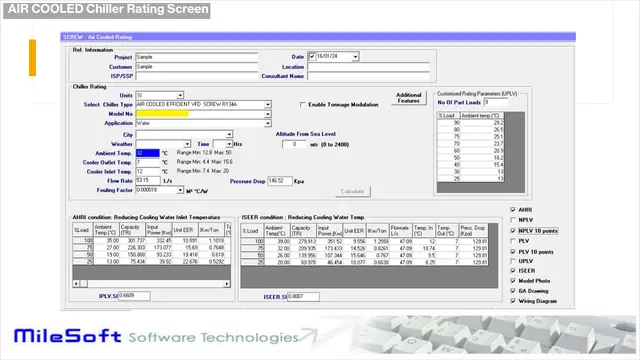
Unit criteria set the unit type and series, then the entering air, outdoor temperature and external static pressure the unit will actually see.
Then the airflow, fan speed, and the total and sensible capacity required.
Search returns every model that fits, with total and sensible capacity, on-coil and off-coil conditions, airflow and power input.
Chosen models are added to the selection, then submitted and printed, or exported to Excel.
0:58Submittal report
The submittal report carries the project, customer and consultant, a scope table of every unit, and the technical selection for each one.
The real operating conditions in, the right unit out, with a submittal ready to send. Book a live demo at milesoft.net.